AdverForge✦
ADVERFORGE SAMPLEProduct-first hook · QA passed

AI VIDEO AD GENERATOR FOR ECOMMERCE

AI video ads from one product link.

AdverForge turns an ecommerce product page into reviewable ad directions, shot plans and social-ready video production.

PRODUCT-GROUNDEDREVIEW BEFORE GENERATIONSEEDANCE AVAILABLE
Free product read3 ad directionsNo credit used
Already ready to try the studio?Create account first
Preview the product and three directions free. Verified pilot accounts may receive 4 launch credits after abuse checks.
01Paste a product link02Choose a direction03Review shots, then produce

INPUT AND GENERATED OUTPUT

Product-grounded AI video ad samples from real inputs.

Each example pairs one unbranded product input with its generated ecommerce video. All three passed product consistency and content safety QA before appearing here.

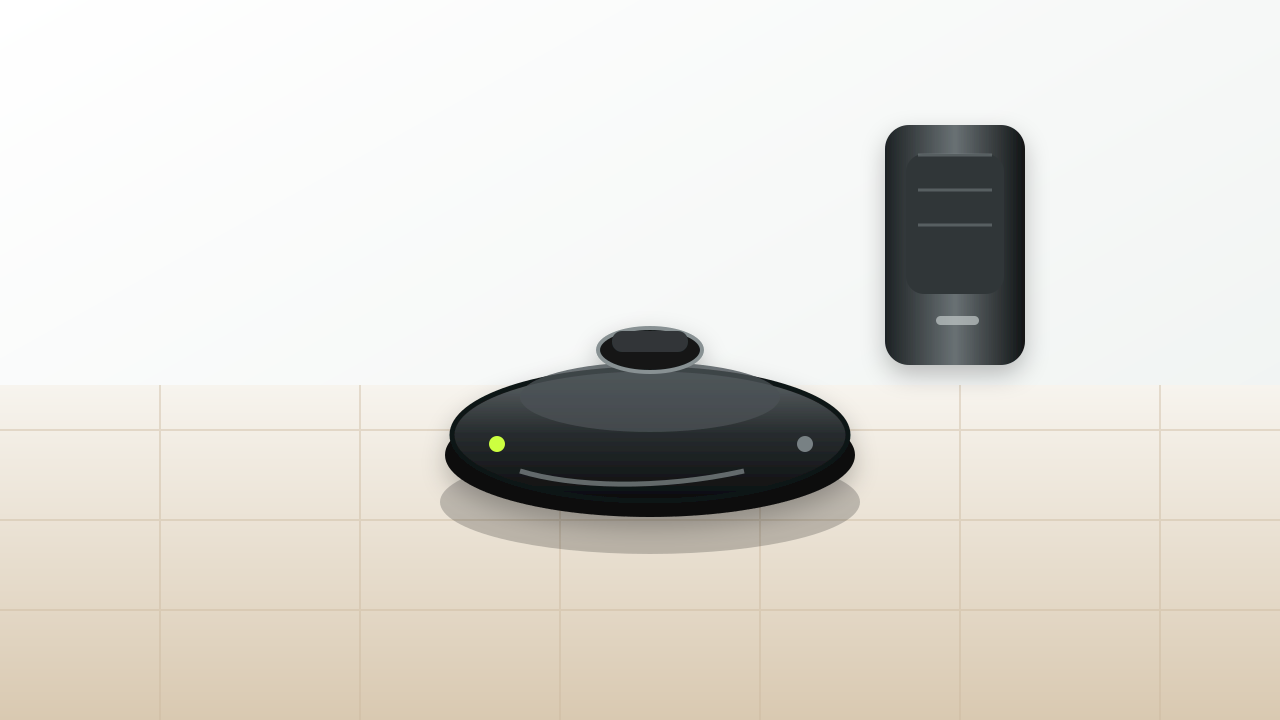
PRODUCT INPUTRobot Vacuum AI Product Video Ad product reference
SEEDANCE · QA-PASSED

Robot vacuum product reveal

Generated with AdverForge from an unbranded product reference. The sample keeps the same product identity on screen while turning the first seconds into a social video hook.

HOOKRobot and dock are visible immediately.PROOFOne controlled motion shows the product in use.CLOSEThe same product returns as the final memory frame.
Watch full video and shot breakdown
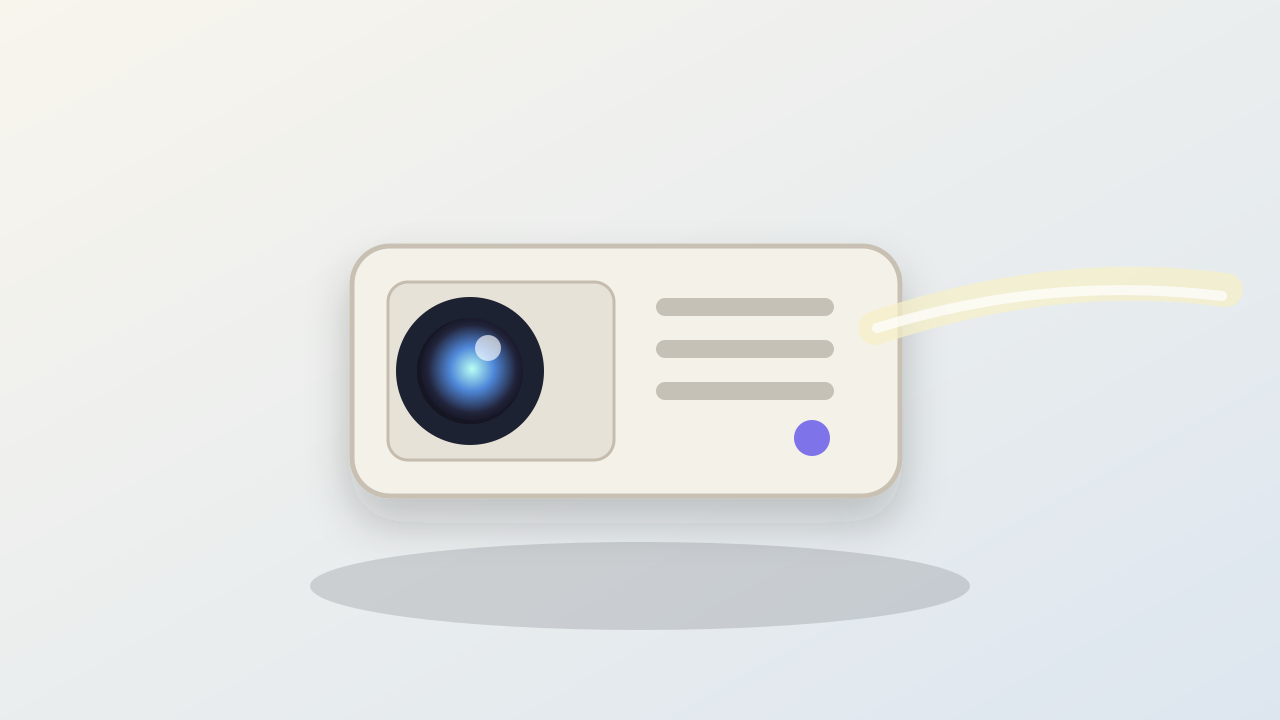
PRODUCT INPUTMini Projector AI Product Video Ad product reference
SEEDANCE · QA-PASSED

Mini projector cinematic hook

Generated from one unbranded projector reference. The clip keeps the white body, blue lens, vent details and projection beam consistent while making the product feel more cinematic.

HOOKThe projector is visible before the camera move.PROOFLens, vents and beam stay tied to the same product.CLOSEThe clip resolves on a stable projector frame.
Watch full video and shot breakdown
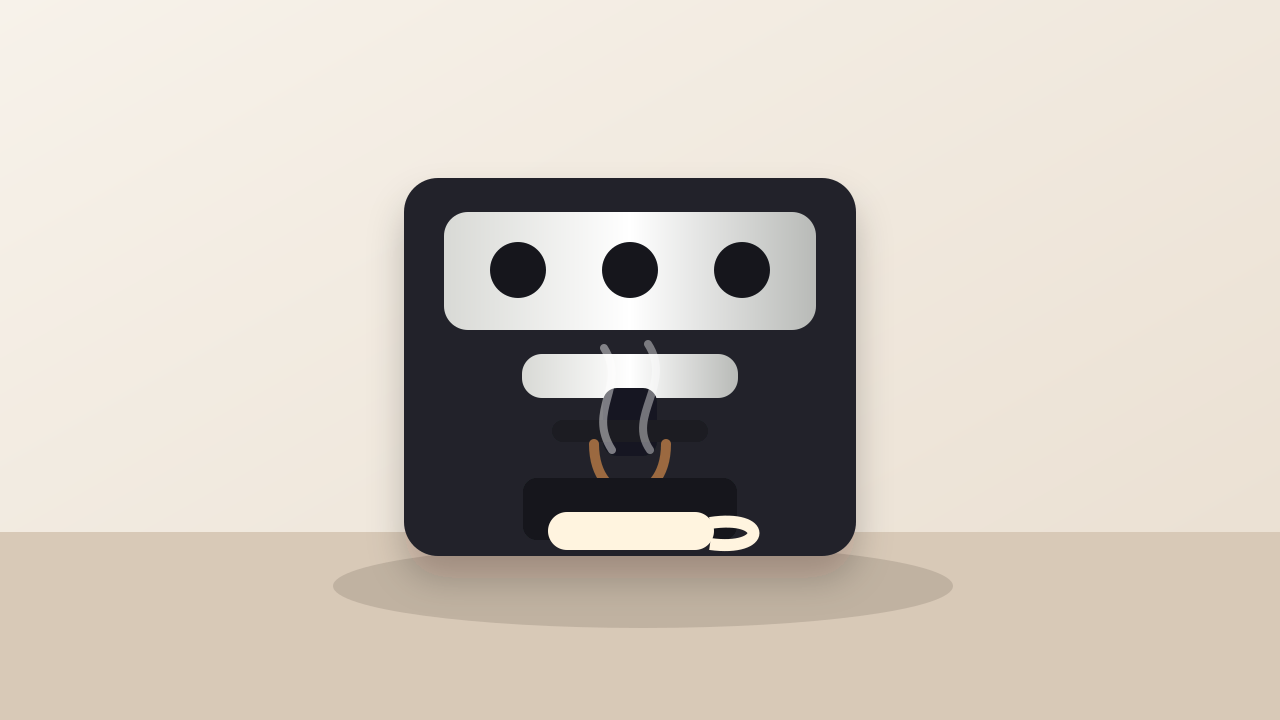
PRODUCT INPUTCoffee Machine AI Product Video Ad product reference
SEEDANCE · QA-PASSED

Coffee machine product moment

Generated from one unbranded coffee machine reference. The sample creates a warmer product moment while keeping the machine identity stable and avoiding generated logos, prices or claims.

HOOKThe coffee machine is established as the hero product.PROOFThe scene focuses on a simple product-use moment.CLOSEThe same machine stays clear in the final frame.
Watch full video and shot breakdown

PRODUCT VIDEO PRODUCTION

Watch product context become ad-ready video shots.

The focus stays on ecommerce production: product input, reviewable direction, shot construction, product reveal and visible proof. The two Seedance clips are external product-ad references, not AdverForge outputs.

PRODUCT REVEAL
OFFICIAL SEEDANCE REFERENCE

Build the story toward the product

This external reference earns its place because the action resolves into a clear product-focused closing shot, a reusable structure for ecommerce ads.

STORY HOOK → PRODUCT REVEAL
DETAIL PROOF
OFFICIAL SEEDANCE REFERENCE

Turn product detail into the proof beat

This external reference uses close-up materials and precise hand movement to make a visible product detail carry the middle of the ad.

CLOSE-UP → USE MOMENT → PRODUCT MEMORY

The AdverForge process film uses our existing product examples. External references remain clearly attributed to ByteDance Seed.

How AdverForge uses SeedanceOpen the Seedance source
01

Import a product link for your video ad

Start with the product page and the visual evidence available to your team.

02

Plan the product video ad with a creative playbook

Map the product into a reusable ad structure: reveal, proof, use moment or product-owned metaphor.

03

Produce social video ad assets

Turn approved short shots into social-ready ad creative while keeping the product context attached.

CREATIVE PLAYBOOKS

Reusable ecommerce video ad structures, not one-off prompt guessing.

AdverForge treats common ecommerce video patterns like production playbooks. The system picks a structure, binds it to your product evidence and keeps unsupported claims out of the video prompt.

PRODUCT-LINK HERO

PRODUCT-LINK HERO

Put the exact product on screen first, then add one controlled motion cue.

DETAIL PROOF

DETAIL PROOF

Turn a submitted detail, material or use image into one visible proof beat.

PROBLEM ANSWER

PROBLEM ANSWER

Start from a concrete shopper friction and reveal the product as the practical answer.

PRODUCT METAPHOR

PRODUCT METAPHOR

Use a simple visual metaphor only when it resolves back into the product.

VIDEO-FIRST RESULTS

Preview the AI video ad plan, not a wall of text.

Start with the product image and three ad directions on the homepage. Bring your product link into Studio to review the evidence and build an editable shot plan. The storyboard below illustrates one possible direction.

Robot vacuum ecommerce video ad storyboard previewSample product video ad direction
0:00

Product reveal

Open with the product and its real use context so the ad is not a generic banner.

0:04

Detail proof

Move into a visible product detail or supported selling point before the claim gets bigger than the evidence.

0:08

CTA close

End with a short social-video frame that keeps the product identity on screen.

PRODUCT-LED VIDEO AD CREATION

Plan product video ads your team can review before production.

Most AI ad generators begin with an open prompt. AdverForge starts with the ecommerce product link, the available product images and the message the video ad needs to communicate.

Use it to plan product video ads for social placements, review a hook and supporting proof, then organise approved short scenes into a longer ad with timing, narration and a clear CTA.

WHAT THE ON-PAGE PREVIEW DOES

See a product read before using the AI video ad generator.

Paste a public ecommerce product URL and stay on the page while AdverForge checks the product-owned information it can safely retrieve. The preview is deliberately small: it helps you judge whether the product was understood without pretending that an ad has already been produced.

PREVIEW

Product identity and category

See the product name, brand when available, a primary image and the concrete category detected from product-owned page data. If the category is not reliable, the preview says so instead of silently assigning one.

DIRECTION

Three evidence-safe starting points

Review a product reveal, a visible-detail direction and a simple category-appropriate context. These are starting points constrained to what the page shows, not finished scripts or unsupported advertising claims.

STUDIO

Your confirmation changes the plan

Open Studio to correct the product, replace the primary image, choose an angle and bind supporting material to the selling point it proves. The imported page does not take those decisions away from you.

PRODUCTION

Credits begin with a formal task

The public preview does not call an image or video model. Production remains a separate, explicit step after the product, category, evidence, creative direction and expected credit use are visible for review.

ECOMMERCE AD WORKFLOWS

Use one verified product source across the ecommerce ad creative process.

AdverForge is designed for the work between a product page and a finished social ad: understanding what is being sold, deciding what the ad should prove, and keeping those decisions available for production and review.

PRODUCT LAUNCHES

Turn a product page into a focused launch ad

Bring the product identity, strongest supported selling point and usable images into one reviewable direction for a new release.

PAID SOCIAL TESTS

Create a clearer brief for short-form ad variations

Plan different hooks and proof-led shots from the same product source, then choose which direction is worth producing.

CATALOG CREATIVE

Keep product context attached across repeated work

Save the product, creative decision and resulting video with the campaign instead of rebuilding the brief from scattered prompts.

YOU KEEP THE CREATIVE DECISIONS

AI automation where it saves time. Human approval where it changes the video ad.

ADVERFORGE PREPARES

Product context and usable references

The workflow organises the imported product, category and available images before a video direction is confirmed.

YOU CHOOSE

The angle, proof and format

Select what the ad should communicate, review the evidence attached to that direction and choose the output you want to produce.

YOU REVIEW

The plan before production

Inspect the proposed shots and production choice before a formal video task begins. Drafts remain attached to your account.

ECOMMERCE AI AD GENERATOR FAQ

How AdverForge turns a product link into video ad creative.

What happens after I paste a product link?

AdverForge reads the public product page and shows a lightweight preview on the same page: the product identity it found, its category when reliable, one primary visual reference and three safe ad directions. You only need an account when you want to save the product and continue editing in Studio.

Can I approve the creative before video production?

Yes. You choose the direction and planned shots before starting a formal video task.

Do I control which product images are used?

Yes. You can review the imported images, choose the product reference and attach supporting material to the direction it proves.

Is this made for ecommerce teams?

Yes. It is designed for teams working from product pages rather than beginning from an empty prompt.

Can I change the proposed ad direction?

Yes. You can switch the ad structure, choose a different angle and review the evidence attached to it before production.

Does pasting a link immediately generate a video?

No. The on-page result is a product and direction preview. No image or video model is called for that preview. A video task can begin only after you enter Studio, confirm the product and evidence, approve the direction and choose a production option.

What product material can I review?

The workflow can organise the product name, category, main image and supporting product images that are available for the campaign.

Where can I find videos after production?

Campaigns keep the product plan, production status, available results and your feedback together in the signed-in workspace.

What if AdverForge cannot confirm the product category?

The preview marks the category as needing confirmation instead of guessing. In Studio you can choose the correct category before a creative plan is approved. An unknown category remains a production blocker until it is resolved.

Can I replace images imported from the product page?

Yes. Imported images are a starting point, not a lock. You can upload a clearer product image, choose a different primary reference and decide which supporting image proves each selected selling point.

When are video credits used?

Viewing the public product preview does not use video credits. Credits are tied to a formal video production task after the signed-in product, direction and production choice have been reviewed.

Can I return to the same campaign later?

Yes. A signed-in campaign keeps the confirmed product, current creative plan, task status, available video and feedback together so the next visit does not begin from an empty brief.

Does AdverForge support Seedance AI video generation?

Yes. After you review the product, evidence, creative direction and expected credit use, AdverForge can route an approved production task to Seedance through Volcengine Ark. The free homepage preview does not call Seedance or spend video credits. AdverForge is an independent product and is not affiliated with or endorsed by ByteDance or Volcengine.