WORKFLOW · TALKING OBJECT AI
Talking Object AI: Product Photo to Video
By AdverForge · Published · 6 min read
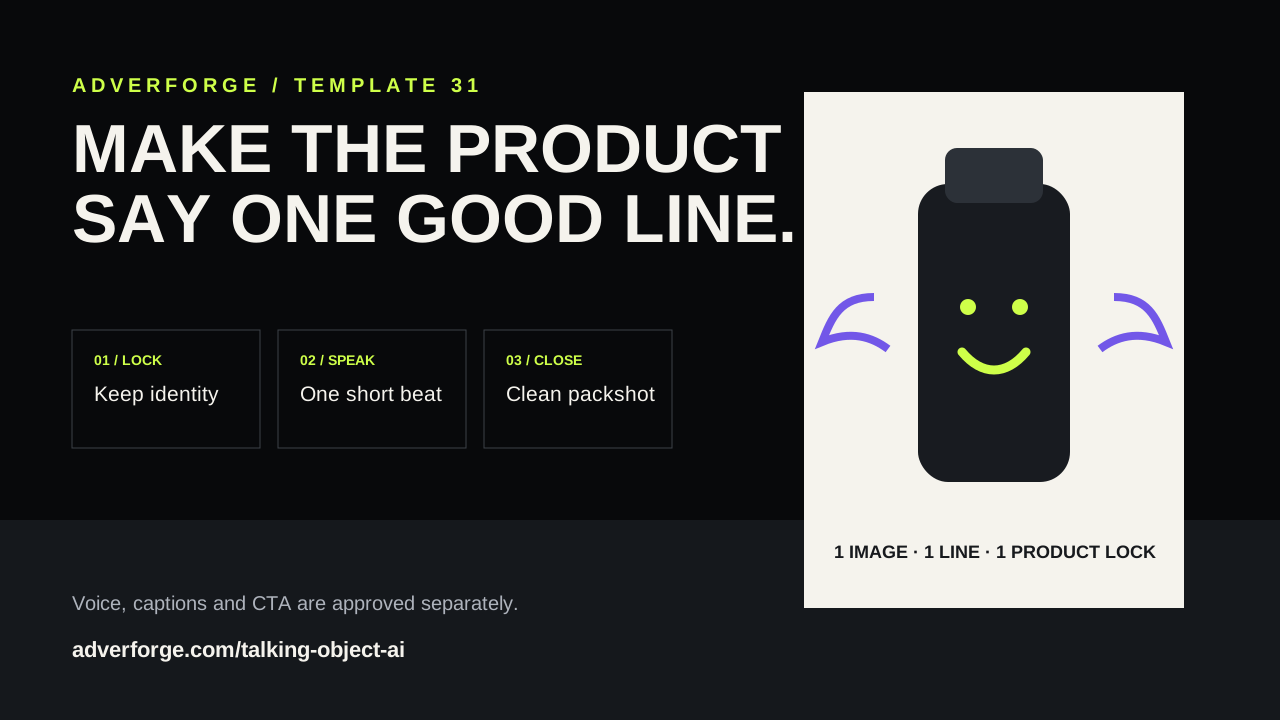
A talking-object product video gives one item a small character performance: a mouth, a reaction and one short line. The format can make an ordinary product image feel native to Shorts, Reels or TikTok without hiring an on-camera presenter. It only works as an ad when the joke remains attached to a real, recognizable product.
A practical talking object AI workflow
Current tools usually combine a source image, a short script or audio track, and an animation step. Media.io describes an image-and-prompt workflow, Filmora pairs an uploaded object with text and voice, and DomoAI recommends approving clean speech before animation. Those are vendor workflows, not independent quality guarantees. The reliable production pattern is simpler:
- Choose one product image. Use a front-facing photo with an uncluttered outline and enough resolution to inspect labels and surface details.
- Choose the safe speaking area. Do not place a mouth over a logo, dosage, control, display, ingredient panel or other decision-making information.
- Approve one line. Separate personality from factual claims. Humor can be invented; product performance cannot.
- Animate one beat. Keep the camera mostly locked and the body motion small so product identity stays stable.
- Return to a clean packshot. Remove the face treatment, then add captions, price and CTA in post.
Write one line, not a monologue
A useful first line contains three parts: a product point of view, one verified reason to buy, and a short close. Keep it within 8–20 words so the visual has time to establish the product and return to a clean frame.
“I keep your drink close and your desk clear. Ready for the commute?”
The personality is creative. “Keeps your desk clear” must be supported by the product shape or approved feature. Avoid fabricated rankings, testimonials, health effects, durability and guaranteed outcomes.
Three safe personality starting points
- Helpful: the product gives one practical reminder.
- Confident: the product introduces one visible feature.
- Dry humor: the product reacts to a familiar use situation without insulting the customer or making a claim.
A product-grounded prompt structure
The video prompt controls the visual performance. Keep exact dialogue and voice production as separate, editable inputs.
IDENTITY: Use the submitted product image as the exact reference.
HOOK: Show the complete unchanged product before the face effect appears.
ACTION: Add a small stylized mouth in the approved safe area. One restrained speaking beat.
PRODUCT LOCK: Preserve shape, proportions, color, material, label placement and packaging.
CLOSE: Remove the face effect and return to the unchanged packshot.
DO NOT: invent claims, alter labels, add limbs, render captions, price or CTA.
AdverForge now includes this structure as the Talking Object Product Pitch template. You can edit the creative prompt, product evidence and shot plan before any paid video generation begins.
Review the product before the performance
- Can you identify the same product in the first, speaking and final frames?
- Did the mouth or eyes cover information a buyer needs?
- Did color, silhouette, cap, handle, sole, label or packaging change?
- Does every factual statement have approved evidence?
- Are voice, captions and CTA synchronized after the footage is approved?
If the face treatment distorts the product, switch to off-screen narration and one small reaction movement. A usable ad is more valuable than forcing the trend onto an unsuitable image.
Sources and scope
Workflow references checked October 24, 2026: Media.io Talking Object, Filmora Talking Objects, and DomoAI’s object-animation guide. AdverForge’s evidence rules, prompt and review checklist are our own. We do not claim the format guarantees reach, watch time or sales.
Talking object AI FAQ
Can any object become a talking object?
A clear, front-facing object with a simple silhouette is the safest input. If the effect would cover a label, control or important product detail, use off-screen voiceover instead.
How long should the line be?
Start with 8–20 words and one emotional beat. Short lines are easier to review and leave room for a clean product close.
Should the generated footage contain captions?
Keep captions, price, brand copy and CTA out of the generated pixels. Add them in a deterministic layout after the product footage is approved.