Lock the product
Start on the complete submitted item. Preserve silhouette, color, material, packaging and visible label placement.
TALKING OBJECT / PRODUCT MASCOT
Start with a product link or one clean image. Confirm the product and one real reason to buy, review the Talking Object motion, then approve the credit cost. Voice and captions are added only after the visual passes review.
1. Confirm product 2. Review motion 3. Approve generation
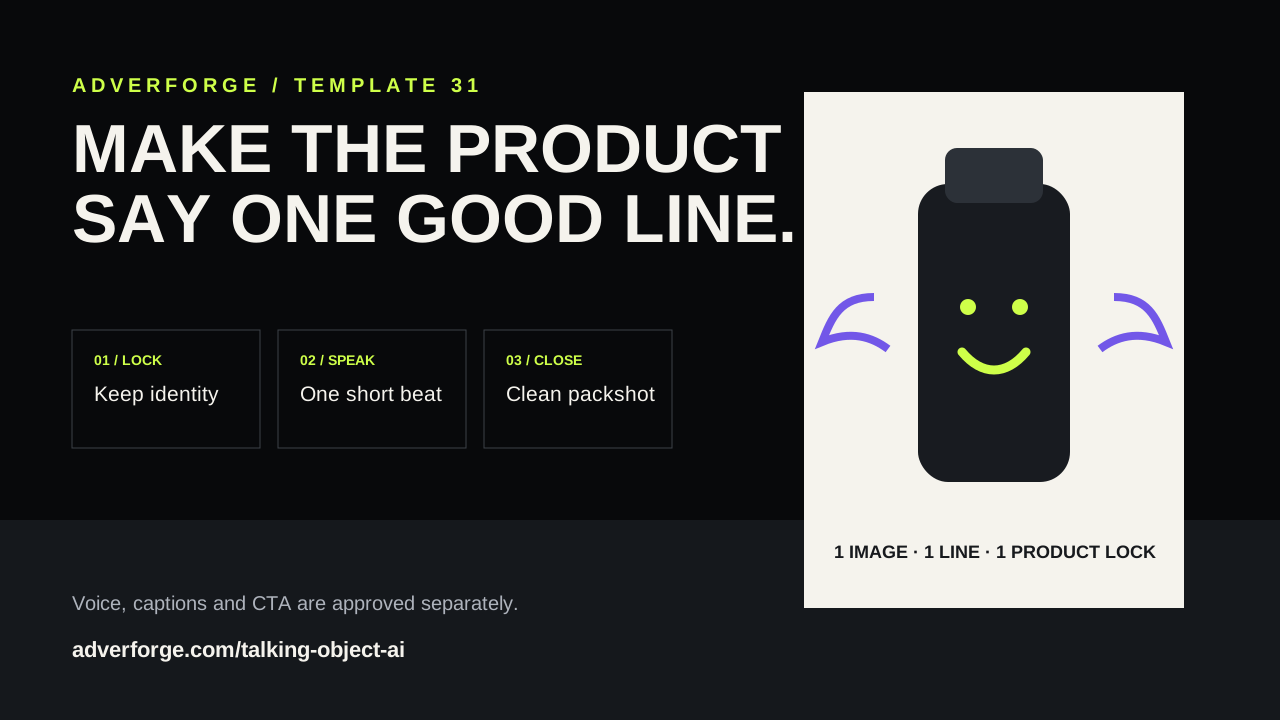
THREE CONTROLLED BEATS
Start on the complete submitted item. Preserve silhouette, color, material, packaging and visible label placement.
Add a small stylized mouth and eye treatment in a safe area. Use one short approved line and minimal body motion.
Remove the character overlay and finish on the unchanged packshot. Add voice, captions, price and CTA after review.
BUILT-IN BOUNDARIES
It is a short clip where a product or everyday object is given a small animated mouth, a personality and one spoken line. The product should remain recognizable before, during and after the effect.
Use one clean, front-facing product photo with a simple silhouette. Keep labels, controls and essential details clear, and choose a mouth area that does not cover them.
No. AdverForge keeps captions, price, brand copy and CTA in deterministic post-production so the video model does not invent or misspell them.
No. The speaking line can be playful, but any factual reason to buy must come from product evidence you approve.